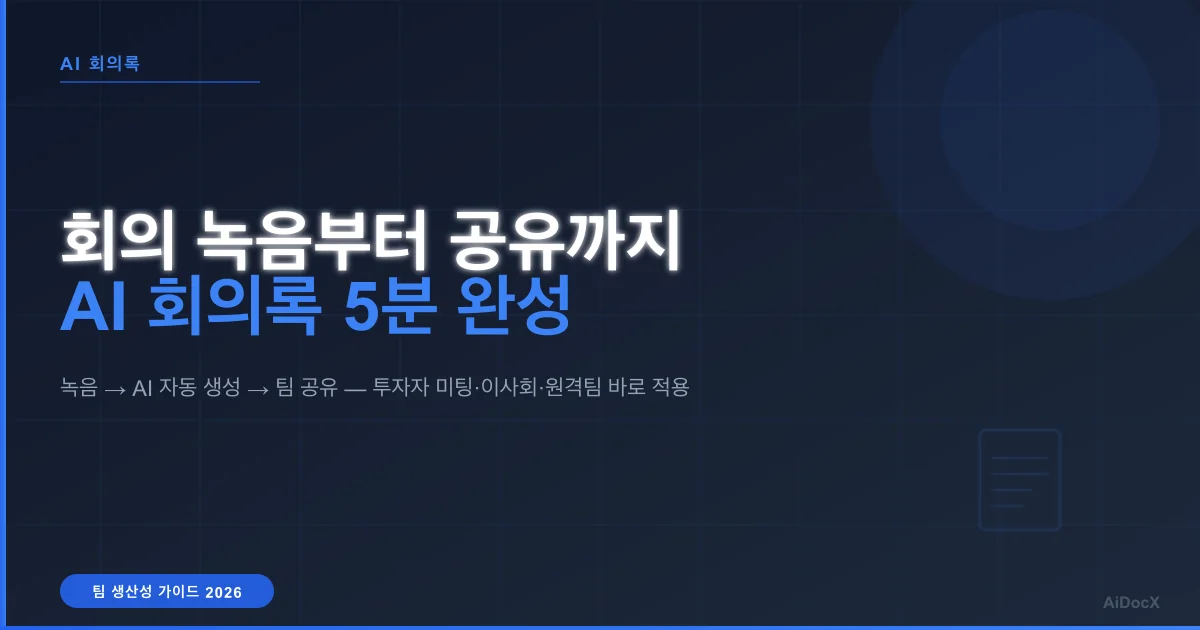
AI Meeting Recording to Shared Minutes in 5 Minutes — The End-to-End Workflow (2026)
Stop juggling recording apps, transcription tools, and document editors. Learn how AI turns meeting recordings into shareable minutes in under 5 minutes — no app installs, no copy-pasting between tools.
 MinjiLee · Strategic Lead March 6, 2026 9 min read
Your meeting just ended. The decisions were clear, the action items were obvious — in the room. Now comes the part everyone dreads: turning 45 minutes of conversation into a document that everyone can reference.
Contracts and investor decks shouldn't take days — AiDocx lets you go from draft to signed in minutes. The same principle applies to meeting minutes.
The traditional workflow looks like this: record on your phone, upload to a transcription tool, copy the text into ChatGPT, paste the output into Google Docs, export as PDF, attach to email. Six steps, five tools, thirty minutes of your time — after a meeting that was supposed to save time.
What if you could go from recording to shared minutes in a single flow, without leaving your browser?
The Real Cost of Fragmented Meeting Workflows
The problem isn't any single tool. Otter.ai transcribes well. ChatGPT summarizes well. Google Docs formats well. The problem is the gaps between them.
| Step | Tool | What you actually do |
|---|---|---|
| 1. Record | Phone recording app | Start recording, remember to stop |
| 2. Transfer | AirDrop / cloud / email | Move file from phone to computer |
| 3. Transcribe | Otter.ai / Whisper | Upload audio, wait for transcription |
| 4. Summarize | ChatGPT / Claude | Copy text, write prompt, copy result |
| 5. Format | Google Docs / Word | Paste, add headings, fix layout |
| 6. Share | Email / Slack | Export PDF, attach, send |
Each handoff takes 2-5 minutes. The cognitive switching adds up. And if someone asks "can you also add the action items?" — you're back in the loop.
The average knowledge worker spends 4+ hours per week on post-meeting documentation. That's 200+ hours per year spent not on the meeting itself, but on turning the meeting into a document.
The One-Click Alternative: Record → Generate → Share
Modern AI meeting tools collapse these six steps into one continuous flow:
Step 1: Record Directly in Your Browser
Open your browser. Click record. That's it.
- No app to install or update
- Works on Chrome, Safari, Edge — desktop or tablet
- Records through your device microphone (or system audio for virtual meetings)
- You can take notes alongside the recording
Step 2: AI Generates Minutes Instantly
When you stop recording, AI processes the audio immediately:
- Speech-to-text conversion with speaker identification
- Automatic structuring by agenda topics
- Key decisions extracted and highlighted
- Action items with owners and deadlines pulled from context
- Summary paragraph for executives who won't read the full document
No prompt engineering. No copying and pasting between windows. The AI understands meeting context — it knows the difference between a casual comment and an action item.
Step 3: Share with One Click
The finished minutes are immediately available to share:
- PDF download — formatted, professional, ready to archive
- Share link — send a URL instead of an attachment (with read tracking)
- E-signature — if participants need to sign off on decisions (e.g., board resolutions)
The recipient gets a clean document. You get read receipts showing who opened it and when.
Side-by-Side Comparison
| Traditional (6-step) | One-click workflow | |
|---|---|---|
| Tools needed | 5+ (recorder, transcriber, AI, editor, email) | 1 (browser) |
| App install | Required | None |
| File transfer | Phone → computer | Not needed |
| Prompt writing | Manual | Automatic |
| PDF conversion | Separate step | Built-in |
| Sharing | Email attachment | Link with tracking |
| E-signatures | Not possible | Integrated |
| Time after meeting | 15-30 minutes | Under 5 minutes |
When This Matters Most
Investor meetings
You just had a great pitch meeting. Instead of saying "I'll send the meeting notes tomorrow," you share a link before the investor leaves the room. Speed signals professionalism.
Board meetings
Board minutes are legally required in most jurisdictions. AI formats them correctly — attendees, agenda, resolutions, votes — and participants can e-sign on the spot.
Client discovery calls
Sales teams record client calls to capture requirements. With AI minutes, the summary goes to the project team within minutes, not days. Nothing falls through the cracks.
Remote / hybrid teams
For distributed teams across time zones, meeting minutes are the primary way absent members stay informed. Instant, structured minutes mean faster alignment.
Freelancers and consultants
When you're billing by the hour, spending 20 minutes on meeting documentation after every call isn't just annoying — it's unprofitable. Automate the documentation, focus on the work.
How It Works in AiDocX
- Go to AiDocX (free sign-up)
- Create new document → select "Meeting Minutes"
- Click the record button → conduct your meeting
- Stop recording → AI generates structured minutes in seconds
- Review and edit if needed
- Download PDF or share via link
- Request e-signatures from attendees if required
The entire post-meeting process takes under 5 minutes.
-> Try the AI Meeting Minutes Generator
Frequently Asked Questions
Q. Is recording meetings legal? In most jurisdictions, recording a meeting you're participating in is legal (one-party consent). However, it's good practice to inform all participants before recording. Some regions require all-party consent — check your local regulations.
Q. How accurate is the transcription? Modern AI speech-to-text achieves 95%+ accuracy for clear audio in supported languages. A standard laptop microphone works well for rooms with 4-6 people. For larger rooms, an external microphone improves results.
Q. Can I use this for virtual meetings (Zoom, Teams)? Yes. You can record system audio from virtual meeting platforms directly in the browser. No bot joining your call — the recording happens locally.
Q. What if I already have a recording or transcript? You can upload existing audio files or paste text directly. The AI will generate structured minutes from whatever input you provide.
Q. Is my meeting data secure? Recordings are processed with encryption in transit and at rest. Audio is used only for transcription and is not retained after processing. Check the platform's privacy policy for specifics.
Q. Can I customize the minutes format? Yes — you can adjust the structure, add your company logo, choose which sections to include (summary, full transcript, action items only, etc.).
The difference between a 30-minute post-meeting routine and a 5-minute one isn't about working faster. It's about eliminating the gaps between tools. When recording, transcription, formatting, and sharing happen in one place, the meeting minutes practically write themselves.
Ready to automate your documents with AI?
Start free with AiDocX — AI contract drafting, meeting minutes, consultation notes, e-signatures, and more in one platform.
Get Started FreeMore from AiDocX Blog
Consulting Proposal Template (2026): 9 Sections + Example
Copy a consulting proposal template with nine sections, pricing options, and a filled example. Includes tips to make the proposal easy to approve.
 AiDocX Team October 24, 2026 11 min
Internship Agreement Template (2026): Paid & Unpaid Interns
Copy an internship agreement template for paid or unpaid interns. Covers U.S. and UK pay rules, duties, IP, confidentiality, and a filled example.
AiDocX Team October 24, 2026 12 min
Meeting Minutes Template (2026): 4 Formats + Filled Example
Copy a meeting minutes template in four formats: team, decision log, board, and client call. See a filled example and a 15-minute workflow.
AiDocX Team October 24, 2026 11 min